
Built for people who pin every day
The parts of Pinterest marketing that take hours, done in minutes.
Bulk scheduling
Drop in up to 200 images or a CSV, write once, and spread the pins across days with a fixed interval or best-time slots.
Website to pins
Paste a post, product page or a whole sitemap. We find the images and draft titles and descriptions for you to review.
Best-time publishing
Pins go out at high-engagement times in your timezone, with natural minute offsets instead of robotic on-the-hour posting.
Reliable delivery
A dedicated publishing service retries temporary Pinterest errors, refreshes your connection automatically and shows exactly why a pin failed.
AI writer
Three search-friendly title and description options for any topic. Edit freely before anything is scheduled.
Live dashboard and analytics
Statuses update the moment a pin publishes. See impressions, saves and clicks pulled from Pinterest.
From idea to scheduled in minutes
- 1
Connect Pinterest
Sign in with your Pinterest account. That is your GoPinKaro login, so there is no password to manage.
- 2
Add your pins
Upload images, import a CSV, or paste a page from your site. Review and edit the titles and descriptions.
- 3
Choose the pace
Pick a board, then a fixed interval or best-time slots. GoPinKaro publishes while you do other work.

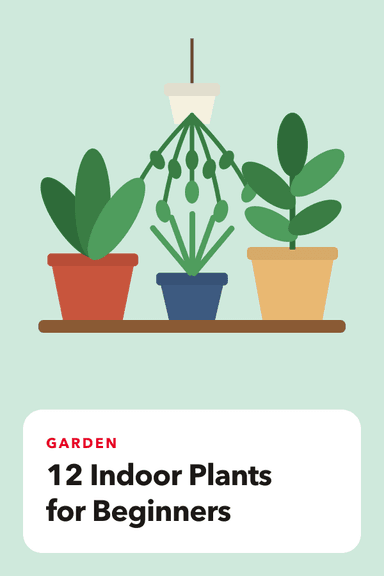
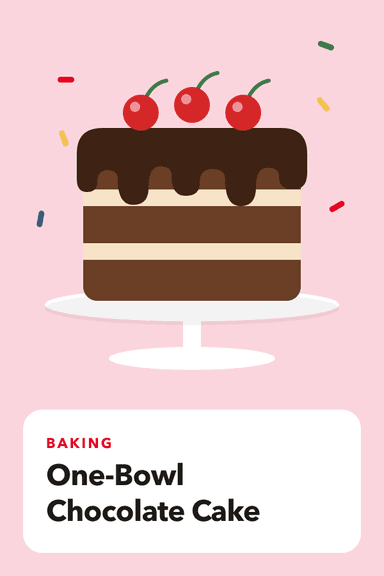



One queue for every kind of pin
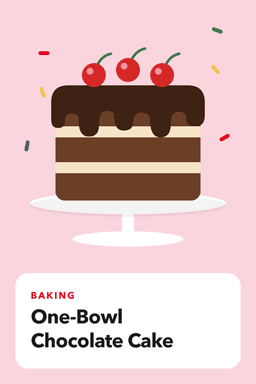
Recipes, home, travel or products: add them once and GoPinKaro spaces them out across the week. These are example pins.
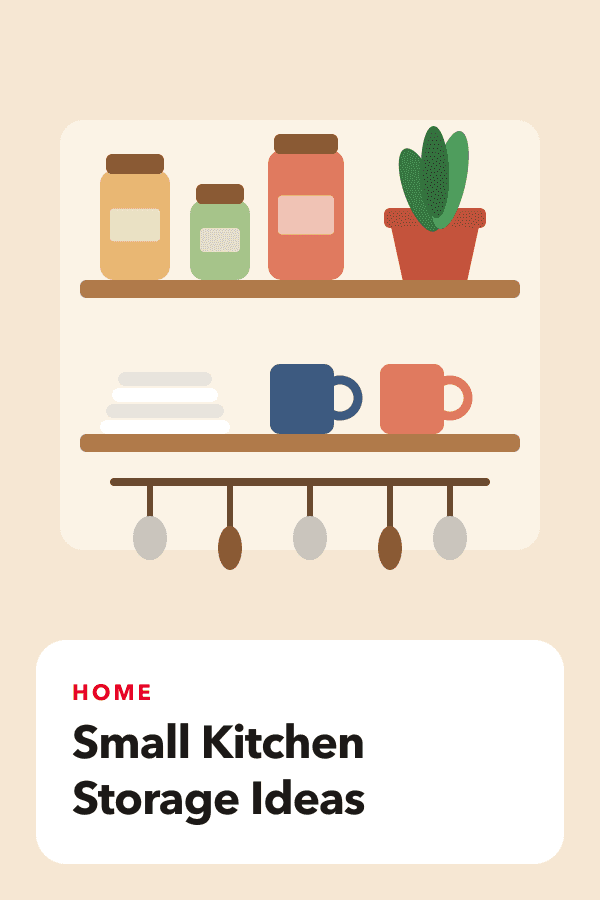
Today, 8:15 PM
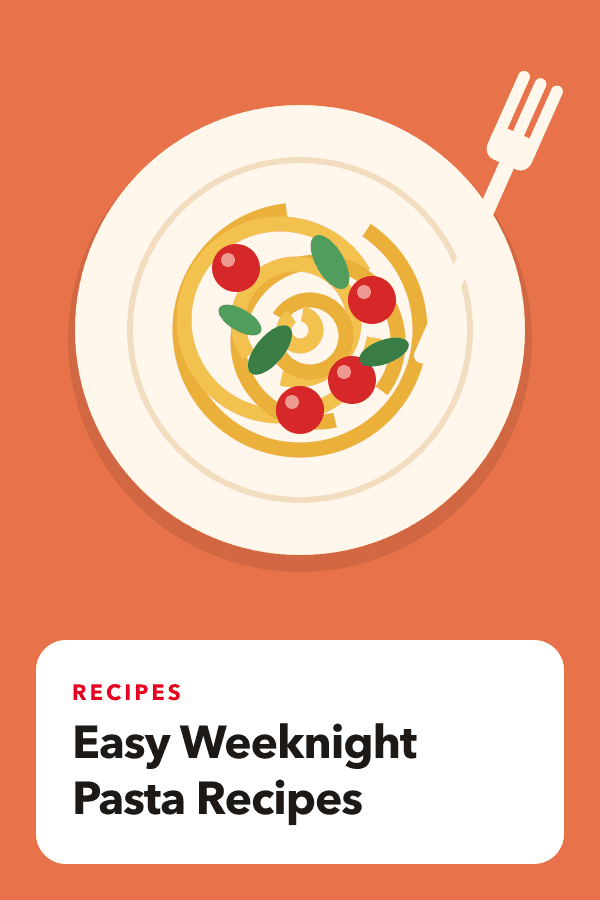
Tomorrow, 2:19 PM

Yesterday, 8:02 PM
Wed, 9:07 PM
Thu, 1:42 PM

Fri, 8:26 PM


Fill your Pinterest queue this afternoon
Connect your account and schedule your first batch of pins in a few minutes.
Start free with Pinterest