
Pinterest scheduling that keeps your queue full.
Paste a page from your site, review the pins, and let GoPinKaro publish them over the coming weeks at the times your audience is online. Bulk upload, CSV import and a live calendar included.
Free plan with 30 pins a month. No credit card.
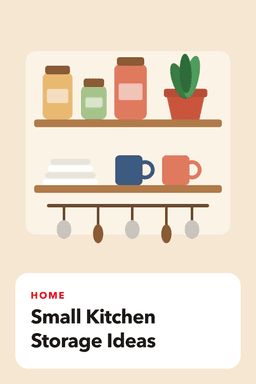
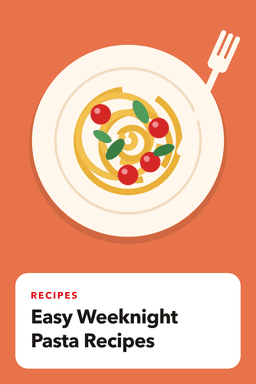

One queue for every kind of pin
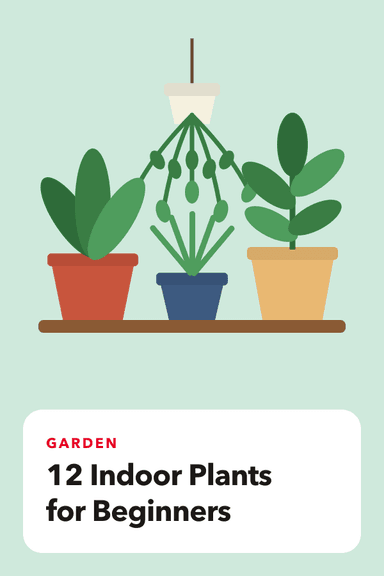
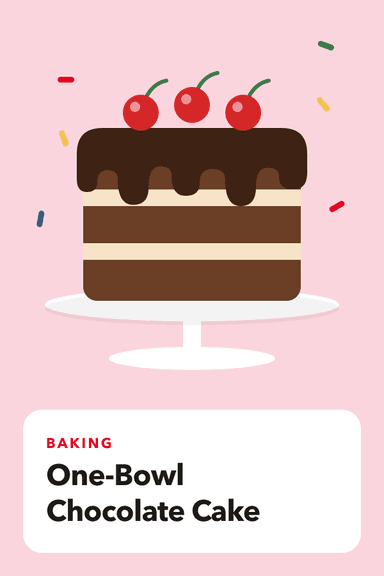
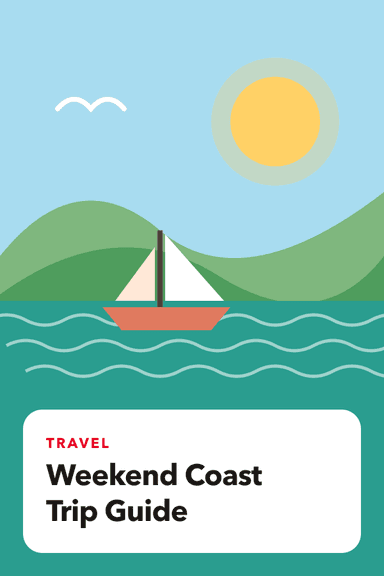
Recipes, home, travel or products: add them once and GoPinKaro spaces them out across the week. These are example pins.
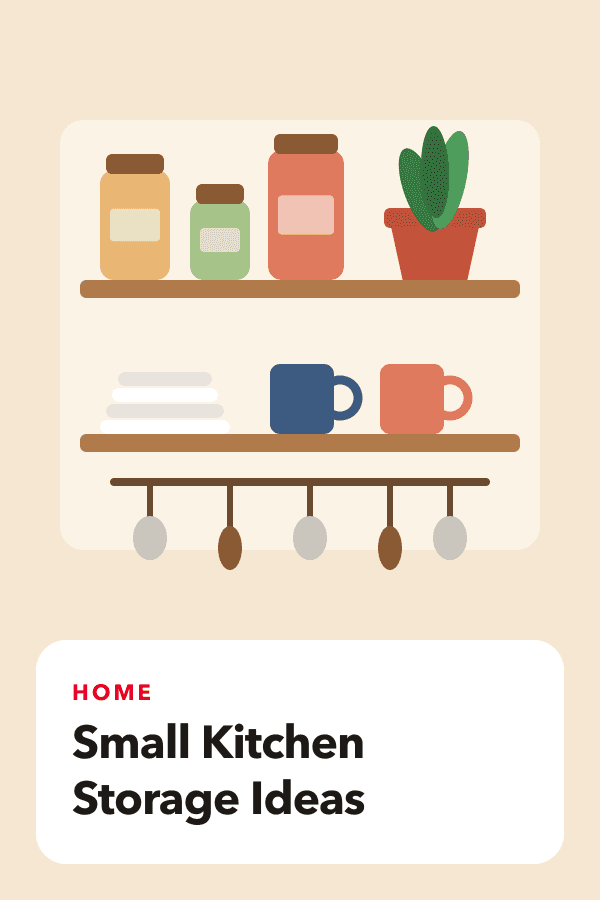
Today, 8:15 PM
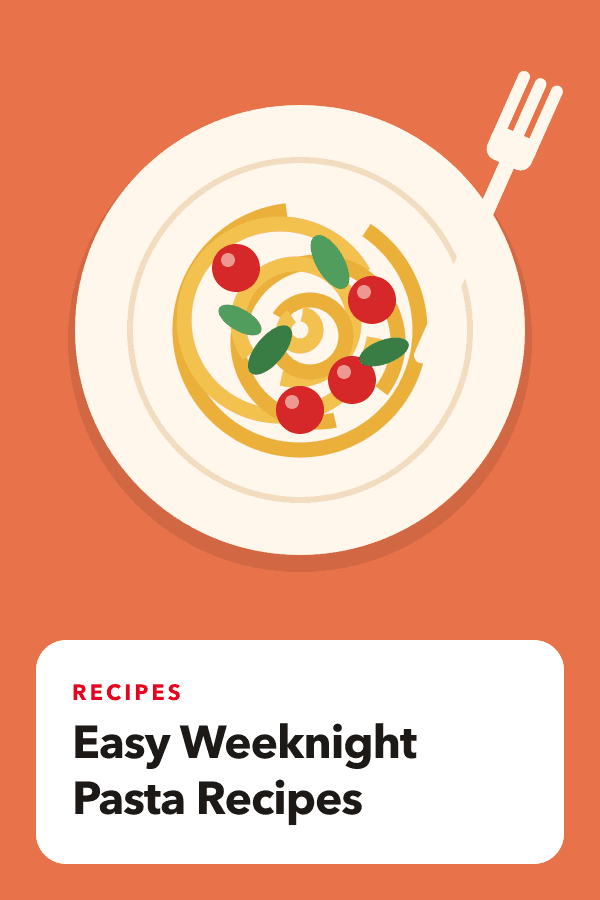
Tomorrow, 2:19 PM
Yesterday, 8:02 PM
Wed, 9:07 PM
Thu, 1:42 PM
Fri, 8:26 PM
Built for people who pin every day
The parts of Pinterest marketing that take hours, done in minutes.
Up to 100 accounts
Connect every Pinterest account you run and switch between them in the sidebar. Each keeps its own boards, queue, calendar and analytics, and one dashboard shows which ones need attention.
Bulk scheduling
Drop in up to 200 images or a CSV, write once, and spread the pins across days with a fixed interval or best-time slots.
Website to pins
Paste a post, product page or a whole sitemap. We find the images and draft titles and descriptions for you to review.
Best-time publishing
Pins go out in the evening and afternoon hours Pinterest is typically busiest in your timezone, with natural minute offsets. Once an account has enough published pins, its own results start to guide the hours.
Reliable delivery
A dedicated publishing service retries temporary Pinterest errors, refreshes your connection automatically and shows exactly why a pin failed.
AI writer
Three search-friendly title and description options for any topic. Edit freely before anything is scheduled.
Live dashboard and analytics
Statuses update the moment a pin publishes. See impressions, saves and clicks pulled from Pinterest.
Pin designer
Make a 1000 x 1500 pin from four templates and six color sets, with your own photo or an AI background, or let GoPinKaro design every imported page automatically. Then schedule it in one click.
Video and carousel pins
Schedule a video (MP4 or MOV) or a carousel of 2 to 5 images as easily as a single image. Videos are uploaded and processed by Pinterest before the pin is created.
Assistant that does the work
Ask in plain language to schedule a week, retry failures or report on the month. It shows what it will do and waits for your OK.
Pacing check
After you schedule, you are told if a day gets crowded or an image repeats, so a big batch does not look like spam to Pinterest.
From idea to scheduled in minutes
- 1
Connect Pinterest
Sign in with your Pinterest account. That is your GoPinKaro login, so there is no password to manage.
- 2
Add your pins
Upload images, import a CSV, or paste a page from your site. Review and edit the titles and descriptions.
- 3
Choose the pace
Pick a board, then a fixed interval or best-time slots. GoPinKaro publishes while you do other work.



Simple pricing for one account or a hundred
No per-credit charges and no surprises. Start free and upgrade when you need more pins.
Free
Try it on one board, no card needed.
$0/month
Free forever
- 30 pins per month
- 1 Pinterest account
- 5 website page imports
- 15 AI writing generations
- 3 AI background images
- Bulk scheduling and CSV import
- Best-time auto scheduling
- Sitemap import
- 7 days of analytics
- Email support
Starter
For a blog or shop pinning every day.
$9/month
Billed monthly
- 300 pins per month
- 3 Pinterest accounts
- 100 website page imports
- 300 AI writing generations
- 25 AI background images
- Bulk scheduling and CSV import
- Best-time auto scheduling
- Sitemap import
- 30 days of analytics
- Email support
Pro
Most popularFor creators who publish at volume.
$19/month
Billed monthly
- 1,500 pins per month
- 10 Pinterest accounts
- 600 website page imports
- 1,500 AI writing generations
- 100 AI background images
- Bulk scheduling and CSV import
- Best-time auto scheduling
- Sitemap import
- 90 days of analytics
- Priority support
Business
For large catalogs and content teams.
$39/month
Billed monthly
- 6,000 pins per month
- 100 Pinterest accounts
- 3,000 website page imports
- 6,000 AI writing generations
- 400 AI background images
- Bulk scheduling and CSV import
- Best-time auto scheduling
- Sitemap import
- 90 days of analytics
- Priority support
Plans bill monthly. Cancel any time and keep access until the period ends.
Guides and comparisons
Plain answers about scheduling on Pinterest, how the tools compare, and how to get the most from each pin.
- Pinterest schedulerSchedule Pinterest pins in bulk, import pages from your website and publish at best-time slots. Free plan with 30 pins a month, paid plans from $9.Read
- Best Pinterest schedulersThe best Pinterest schedulers for 2026, picked by need: free, AI pin creation, multi-network, visual planning, reporting, many accounts and enterprise, with prices.Read
- Manage multiple Pinterest accountsRun up to 100 Pinterest accounts from one GoPinKaro login: switch accounts, keep separate queues and analytics, and see which accounts need attention.Read
- Pinterest video pin schedulerSchedule Pinterest video pins: MP4 or MOV, 4 seconds to 15 minutes, with a cover image, processing handled for you and retries. Included on every GoPinKaro plan.Read
- Cheapest Pinterest schedulerThe cheapest way to schedule Pinterest pins in 2026, worked out for 1, 3 and 10 accounts from official prices: free options, per-channel tools and flat plans.Read
- Tailwind alternativeLooking for a Tailwind alternative? See where GoPinKaro differs (Pinterest-only, bulk, website-to-pins, free plan) and where Tailwind fits better.Read
- PinBoostr alternativeGoPinKaro vs PinBoostr: prices, pin limits, accounts and how each makes pins, using PinBoostr's own pricing page. See where each one is the better fit.Read
- Safest Pinterest schedulerA checklist for picking a Pinterest scheduler that will not endanger your account: official API sign-in, no password sharing, sensible pacing, and what to avoid.Read
- Best time to post on PinterestStudies disagree on the best time to post on Pinterest, and one large study found timing did not predict success. What to do instead, and how to test your own audience.Read
- How to find Pinterest keywordsFind the words people search on Pinterest using the search bar, guided search and Pinterest Trends, then place them in titles, descriptions, alt text and board names.Read
- Pinterest pin makerMake a Pinterest pin from a template in under a minute: 4 layouts, 6 color sets, your own photo, saved at 1000 x 1500. Included on every GoPinKaro plan, including free.Read
- Pinterest scheduler for agenciesRun client Pinterest accounts from one dashboard: up to 100 accounts, per-account queues and analytics, and one flat price instead of per-account fees.Read
All alternatives All guides All use cases Free Pinterest tools
Questions
Why do I sign in with Pinterest?
GoPinKaro publishes through the official Pinterest API, so connecting your account is the only step. Your Pinterest account is your login and there is no separate password.
Will scheduling get my account in trouble?
GoPinKaro only uses Pinterest's official API. Pinterest rewards steady, original pinning, so we space pins out, avoid on-the-hour posting and suggest a few pins a day rather than large bursts. You stay responsible for following Pinterest's community guidelines.
How are the best times chosen?
At first from general Pinterest patterns: evening and afternoon hours in your own timezone, with small minute offsets so pins do not land on the hour. Once an account has about 30 published pins with results, GoPinKaro starts ranking hours from that account's own results, cautiously, because the hour matters far less than the pin itself. You can always pick exact times or a fixed interval.
Can GoPinKaro design my pins?
Yes, with templates. The pin designer has four layouts and six color sets, lets you add your own photo or an AI-generated background, and saves a 1000 x 1500 image you can schedule straight away. When you import a web page it can also design every pin for you automatically. For fully custom artwork, design in Canva and upload it.
Does it support video pins and carousels?
Yes. Choose Video (MP4 or MOV, 4 seconds to 15 minutes, up to 50 MB) or Carousel (2 to 5 images) when you create a pin. Bulk upload and the assistant currently handle image pins.
What image size works best?
Vertical images with a 2:3 ratio, such as 1000 by 1500 pixels. JPG, PNG, WEBP and GIF files up to 20 MB are supported.
What happens when a pin fails?
Temporary Pinterest errors are retried automatically with increasing delays. If a pin still cannot be published you see the reason in your Pins list and can fix it and retry in one click.
Can I connect more than one Pinterest account?
Yes. One login manages 1 account on Free, 3 on Starter, 10 on Pro and 100 on Business, all from one dashboard. Each account keeps its own boards, queue, calendar and analytics, you switch between them in the sidebar, and the monthly pin allowance is shared. To add one, sign in to it on Pinterest first, then choose Add account.
Can I cancel any time?
Yes. Cancel from Plan and billing and you keep your plan until the end of the period you paid for. Your scheduled pins stay in your queue.
Is GoPinKaro affiliated with Pinterest?
No. GoPinKaro is an independent product that uses the public Pinterest API.
Fill your Pinterest queue this afternoon
Connect your account and schedule your first batch of pins in a few minutes.
Start free with Pinterest