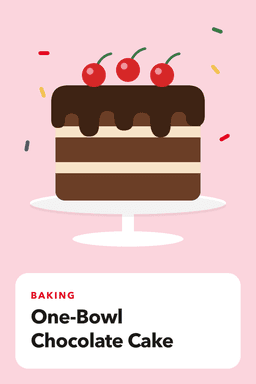
A free Pinterest pin maker that goes straight to your schedule
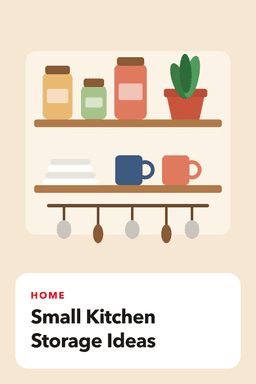
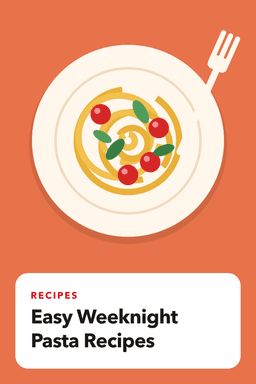
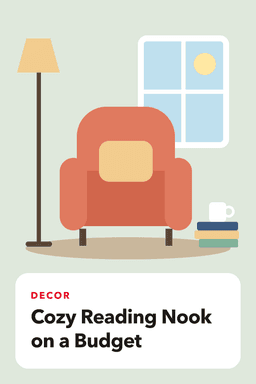
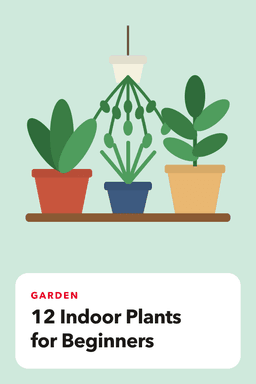
GoPinKaro's pin designer turns a headline into a 1000 x 1500 pin image, the 2:3 size Pinterest recommends. Choose one of 4 layouts and 6 color sets, add your own photo if you like, then download the image or schedule it in one click. It is included on every plan, free or paid; you sign in with Pinterest to use it.
Facts reviewed
How it works
- 1
Pick a layout
Bold headline, photo card, photo with a text panel, or a big number for list pins.
- 2
Write the headline
Up to 90 characters. Short and specific reads best on a pin, and the text resizes itself to fit.
- 3
Add a photo and colors
Optional. Upload your own photo for the photo layouts, and choose a color set.
- 4
Download or schedule
Download the 1000 x 1500 image, or send it to the new-pin form with your headline already filled in as the title and alt text.
The layouts
| Layout | Best for | Needs a photo |
|---|---|---|
| Bold headline | Tips, quotes and listicle titles on a solid color | No |
| Photo card | Recipes, decor and products, with the title on a card over your photo | Optional |
| Photo + panel | A tall photo with the title below it | Optional |
| Big number | Pins such as "12 indoor plants" where the number is the hook | No |
Size and format
Designs are 1000 x 1500 pixels, a 2:3 vertical ratio that Pinterest guides recommend for standard pins. Flat designs are saved as PNG and designs with a photo as JPG, both well under the 20 MB upload limit.
What it does not do
- It is not a full design studio: there are no custom fonts, stock photo library, layers or multi-page designs. For custom artwork, design in Canva and upload the image.
- It does not use AI to generate images. Your text is placed as you type it, which also avoids the "AI modified" labels Pinterest now applies to generated images.
- It makes one pin at a time. To schedule many images at once, use the bulk scheduler.
After the design
The new-pin form opens with your image attached, your headline as the title and alt text, and the AI writer on hand for a description. Pick a board, a time (or best-time slots on paid plans), and the pin joins your queue. After you schedule, GoPinKaro flags a crowded day or a repeated image.
| Plan | Free | Starter | Pro | Business |
|---|---|---|---|---|
| Price per month | Free | $9 | $19 | $39 |
| Price per year | Free | $90 | $190 | $390 |
| Pins per month | 30 | 300 | 1,500 | 6,000 |
| Pinterest accounts | 1 | 3 | 10 | 100 |
| Website page imports | 5 | 100 | 600 | 3,000 |
| AI writing generations | 15 | 300 | 1,500 | 6,000 |
| AI background images | 3 | 25 | 100 | 400 |
| Bulk scheduling and CSV | No (up to 10 pins at a time) | Yes | Yes | Yes |
| Best-time auto scheduling | No | Yes | Yes | Yes |
| Sitemap import | No | No | Yes | Yes |
| Analytics history | 7 days | 30 days | 90 days | 90 days |
Frequently asked questions
Is the GoPinKaro pin maker free?
Yes. The pin designer is available on every plan, including Free. You need to sign in with your Pinterest account.
What size is the pin it makes?
1000 x 1500 pixels, a 2:3 vertical ratio that Pinterest guides recommend for standard pins.
Can I use my own photos?
Yes. The photo card and photo with panel layouts accept your own JPG, PNG or WEBP image. The photo stays in your browser until you choose to schedule the pin.
Does the pin maker use AI?
No. It is a template layout tool, and the headline is exactly what you type. GoPinKaro has a separate AI writer for titles and descriptions.
Can I download the pin and use it elsewhere?
Yes. Download saves the image to your device as a PNG or JPG.
Sources consulted
Facts about other products can change. Always confirm current limits and prices on their own sites.
Keep reading
Pinterest scheduler
Schedule Pinterest pins in bulk, import pages from your website and publish at best-time slots. Free plan with 30 pins a month, paid plans from $9.
Pinterest image size and pin specs
Recommended Pinterest pin size (1000 x 1500, 2:3), file types, file size, title and description lengths, and how to write for what the feed actually shows.
Pinterest bulk scheduler
Bulk schedule Pinterest pins: add up to 200 images or a CSV, edit every pin on one screen, and space them with a fixed interval or best-time slots.
Best Pinterest tools
The Pinterest tools worth knowing, grouped by job: scheduling, design, keyword research and free options, with honest notes on where each one fits.
Pinterest pin generator
Turn a blog post, product page or whole sitemap into drafted Pinterest pins: images found, titles and descriptions written, pin designs made, all reviewed by you.
Pinterest carousel pin scheduler
Schedule Pinterest carousel pins of 2 to 5 images: reorder slides, set the cover, and publish at the right time. Included on every GoPinKaro plan, including Free.
Pinterest AI-generated content rules
Pinterest now labels AI-modified images and lets people see fewer of them. How the labels work, what it means for creators, and a safe way to use AI in your pins.