A Pinterest pin generator that starts from your website
Paste a page (or a whole sitemap on Pro and above) and GoPinKaro finds its images, drafts three title options, a description and alt text, and can design each pin from the page photo and title. You review everything, then schedule. The Free plan includes 5 page imports a month.
Facts reviewed
From URL to scheduled pins
- 1
Paste the address
A single page, or a sitemap to pick many pages from (Pro and above; up to 25 pages at a time).
- 2
Review what it found
The page's images appear as choices. Pick the ones worth pinning.
- 3
Edit the copy
Choose from three drafted titles, then edit the description and alt text. Limits of 100 and 800 characters are checked for you.
- 4
Optionally design the pins
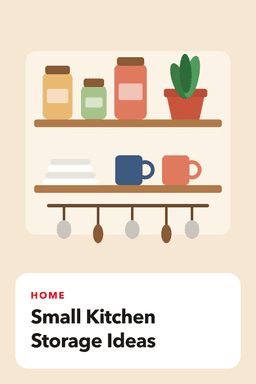
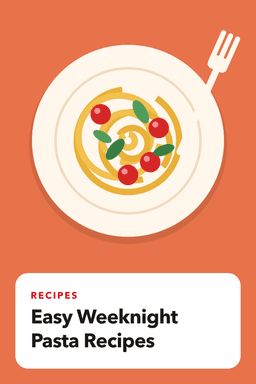
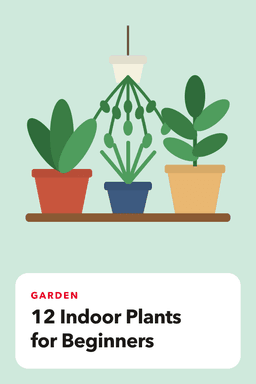
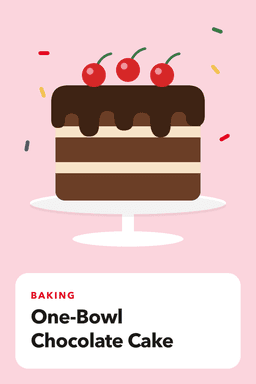
Check "Design each pin automatically" to turn each photo into a finished 1000 x 1500 pin with the page title on it, using 4 template layouts and 6 color sets. This is a template layout, not AI.
- 5
Choose a board and pace
Pick a board, then a fixed interval or best-time slots, and schedule the batch.
What keeps it from producing junk
- You review first. Nothing is scheduled until you confirm.
- Duplicate warnings. You are told if you already have pins linking to the page, and near-duplicate titles are flagged.
- Pacing check. After scheduling, a crowded day (over 15 pins) or a repeated image is flagged.
- Original images. Pins use the images from your own pages, so they match your content.
Where AI is and is not used
AI writes titles, descriptions and alt text, and can create an optional background picture in the pin designer (3 on Free, 25 on Starter, 100 on Pro, 400 on Business each month). Pinterest labels AI-modified images and lets people see fewer of them, so the automatic page design uses your own photos rather than generated images. See Pinterest and AI-generated content.
Limits to know
- Page imports are metered: 5 on Free, 100 on Starter, 600 on Pro and 3,000 on Business. A failed import is not counted.
- Pages that load their images with JavaScript or hide them behind logins may show few images.
- The designer is template-based, so it suits text-led pins; use a design tool for custom artwork.
Plans
| Plan | Free | Starter | Pro | Business |
|---|---|---|---|---|
| Price per month | Free | $9 | $19 | $39 |
| Price per year | Free | $90 | $190 | $390 |
| Pins per month | 30 | 300 | 1,500 | 6,000 |
| Pinterest accounts | 1 | 3 | 10 | 100 |
| Website page imports | 5 | 100 | 600 | 3,000 |
| AI writing generations | 15 | 300 | 1,500 | 6,000 |
| AI background images | 3 | 25 | 100 | 400 |
| Bulk scheduling and CSV | No (up to 10 pins at a time) | Yes | Yes | Yes |
| Best-time auto scheduling | No | Yes | Yes | Yes |
| Sitemap import | No | No | Yes | Yes |
| Analytics history | 7 days | 30 days | 90 days | 90 days |
Frequently asked questions
Can I generate Pinterest pins from a blog post URL?
Yes. Paste the page address and GoPinKaro finds its images, drafts titles, a description and alt text, and can design each pin. You review and edit before scheduling.
Does it use AI to make the pin images?
Not for the automatic page design, which uses your own photos on a template layout. You can optionally create an AI background in the pin designer.
Can I import a whole website?
On Pro and above you can read a sitemap and import up to 25 pages at a time.
Will it create duplicate pins?
It warns you if you already have pins linking to the same page and flags near-duplicate titles, and it checks pacing and repeated images after you schedule.
Sources consulted
Facts about other products can change. Always confirm current limits and prices on their own sites.
Keep reading
Website to Pinterest pins
Paste a page or a sitemap and GoPinKaro finds the images and drafts Pinterest titles, descriptions and alt text. Review, then schedule the pins over days or weeks.
Pinterest pin maker
Make a Pinterest pin from a template in under a minute: 4 layouts, 6 color sets, your own photo, saved at 1000 x 1500. Included on every GoPinKaro plan, including free.
Pin Generator alternative
GoPinKaro vs Pin Generator: bulk pin creation compared with a review-first scheduler, using what verified reviewers say about each approach.
PinBoostr alternative
GoPinKaro vs PinBoostr: prices, pin limits, accounts and how each makes pins, using PinBoostr's own pricing page. See where each one is the better fit.