Pinterest image size and pin specs
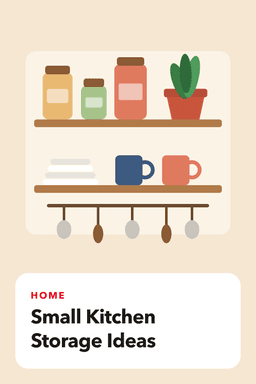
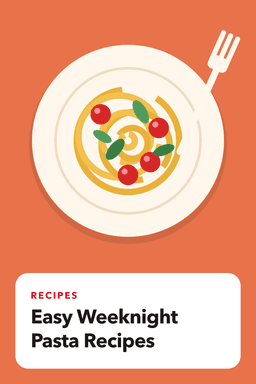
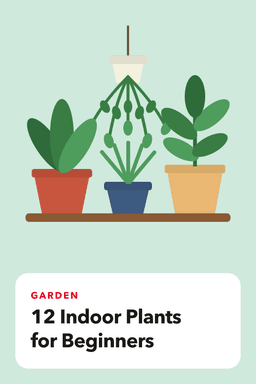
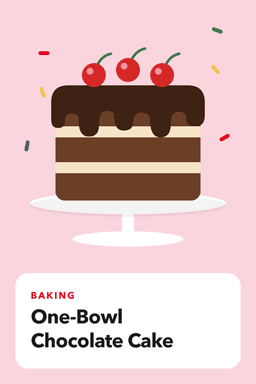
The standard Pinterest pin is a vertical image at a 2:3 ratio, with 1000 by 1500 pixels as the commonly recommended size. Titles are limited to 100 characters, and only the start of a title or description is visible in the feed, so lead with your keyword.
Facts reviewed October 3, 2026
Quick reference
| Spec | Recommendation |
|---|---|
| Image size | 1000 x 1500 pixels |
| Aspect ratio | 2:3 (vertical) |
| File types in GoPinKaro | JPG, PNG, WEBP, GIF |
| Maximum file size in GoPinKaro | 20 MB |
| Title | Up to 100 characters; only roughly the first 40 are visible in the feed |
| Description | Pinterest's pin builder allows around 500 characters; roughly the first 50 to 60 are visible in the feed |
| Alt text | One plain sentence describing the image |
Sizes and visible-length figures are as commonly reported (see sources). Pinterest may adjust them.
Why vertical images
Pinterest is browsed on tall mobile screens. Pins that fall outside the common 2:3 ratio can be cropped or take up less space in the feed, so a vertical image gives you the most room.
Write for the visible part
- Titles: put the main keyword first, then the benefit. Keep the whole title under 100 characters.
- Descriptions: make the first sentence carry the keyword and the point. Put hashtags last, if you use them.
- Alt text: describe what is in the image. Do not stuff keywords.
In GoPinKaro
GoPinKaro accepts JPG, PNG, WEBP and GIF files up to 20 MB, trims titles to 100 characters, and shows a character counter as you type. Images are checked when you upload them.
Pre-export checklist
- The image is vertical, 1000 x 1500 pixels or the same 2:3 ratio.
- Text is large enough to read on a phone and sits away from the edges.
- The file is JPG, PNG or WEBP and well under the size limit.
- The title sits near the top and the main subject is clear at a small size.
- You have a destination link and a one-sentence alt text ready.
Design tips that hold up in the feed
- One idea per pin. A clear headline and one image beat a crowded collage.
- High contrast text. Test it at thumbnail size.
- Consistent branding. A small logo or colour palette helps pins look like yours without dominating them.
- Variety across a page. Make several different pins for the same page.
Exporting in batches
If you design many pins at once, export them in one batch with consistent names such as kitchen-storage-1.jpg. Upload the folder to the Bulk schedule page and GoPinKaro turns each file name into a first-draft title that you can edit.
Frequently asked questions
What is the best Pinterest pin size?
The commonly recommended size is 1000 x 1500 pixels at a 2:3 aspect ratio.
How long can a Pinterest title be?
Up to 100 characters. Only the first part is visible in the feed, so put the main keyword first.
How long can a Pinterest description be?
Pinterest's pin builder allows around 500 characters. Only the first 50 to 60 or so are visible in the feed, according to the sources below.
Sources consulted
Facts about other products can change. Always confirm current limits and prices on their own sites.
Keep reading
Pinterest bulk scheduler
Bulk schedule Pinterest pins: add up to 200 images or a CSV, edit every pin on one screen, and space them with a fixed interval or best-time slots.
Pinterest SEO basics
Pinterest works like a visual search engine. Learn where keywords matter (titles, descriptions, boards, alt text), how to find them and how to avoid stuffing.
How to schedule Pinterest pins
Step-by-step guide to scheduling Pinterest pins: with Pinterest's built-in scheduler, and in bulk with GoPinKaro. Includes limits, timing and common mistakes.
Pinterest keyword tool
See what is trending on Pinterest. Find rising keywords by region with weekly, monthly and yearly growth from Pinterest Trends, then write pins around them.