Schedule Pinterest carousel pins
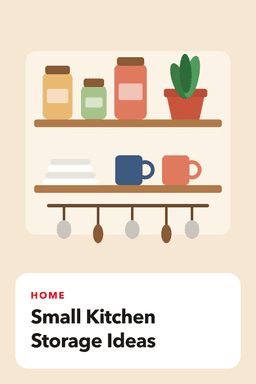
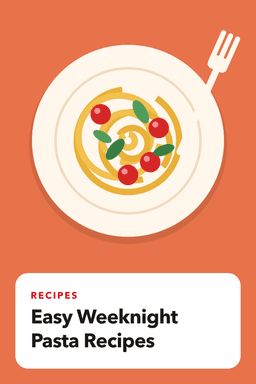
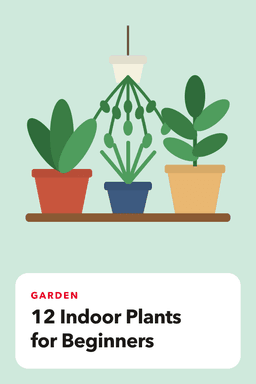
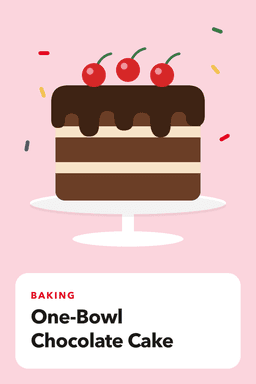
A carousel pin lets people swipe through 2 to 5 images in one pin. GoPinKaro lets you pick the images, reorder them, and schedule the carousel like any other pin. The first image is the cover and the thumbnail you see in your queue.
Facts reviewed
How to schedule a carousel
- 1
Choose Carousel
On the New pin page, switch the media tab to Carousel.
- 2
Add 2 to 5 images
Drop in your images. Move any of them earlier or later; the first is the cover.
- 3
Write the details
One title, description and destination link apply to the whole pin, with alt text and a board.
- 4
Schedule it
Pick a time or a best-time slot. The carousel publishes as a single pin.
When a carousel is a good choice
- Step-by-step content: a recipe in stages, a room makeover before and after, a how-to.
- Product ranges: several colors or angles of one listing.
- Listicles where each slide is one item.
- Comparisons that need more than one image to explain.
Tips for better carousels
- Use images of the same size and shape so slides do not jump. Vertical 2:3 (1000 x 1500) is the usual choice for standard pins.
- Make the first image work on its own: it is what people see in the feed.
- Keep the title keyword-first and specific, as you would for a single image. See how to find Pinterest keywords.
- Design slides with the pin designer (4 layouts, 6 color sets) if you do not have artwork yet.
Limits
- Carousels must have between 2 and 5 images.
- Each image can be up to 20 MB (JPG, PNG, WEBP or GIF).
- Carousels are created from the New pin page; bulk upload and the assistant handle single-image pins.
- Pinterest decides how carousels are displayed.
Plans
| Plan | Free | Starter | Pro | Business |
|---|---|---|---|---|
| Price per month | Free | $9 | $19 | $39 |
| Price per year | Free | $90 | $190 | $390 |
| Pins per month | 30 | 300 | 1,500 | 6,000 |
| Pinterest accounts | 1 | 3 | 10 | 100 |
| Website page imports | 5 | 100 | 600 | 3,000 |
| AI writing generations | 15 | 300 | 1,500 | 6,000 |
| AI background images | 3 | 25 | 100 | 400 |
| Bulk scheduling and CSV | No (up to 10 pins at a time) | Yes | Yes | Yes |
| Best-time auto scheduling | No | Yes | Yes | Yes |
| Sitemap import | No | No | Yes | Yes |
| Analytics history | 7 days | 30 days | 90 days | 90 days |
Frequently asked questions
How many images can a Pinterest carousel have?
Between 2 and 5 images. GoPinKaro enforces that range.
Can I reorder the slides?
Yes. Move any image earlier or later before scheduling; the first image becomes the cover.
Do carousel pins use more of my monthly allowance?
No. A carousel counts as one pin, however many images it contains.
Can I schedule carousels in bulk?
Not yet. Carousels are created one at a time from the New pin page; bulk scheduling covers single-image pins.
Sources consulted
Facts about other products can change. Always confirm current limits and prices on their own sites.
Keep reading
Pinterest video pin scheduler
Schedule Pinterest video pins: MP4 or MOV, 4 seconds to 15 minutes, with a cover image, processing handled for you and retries. Included on every GoPinKaro plan.
Pinterest pin maker
Make a Pinterest pin from a template in under a minute: 4 layouts, 6 color sets, your own photo, saved at 1000 x 1500. Included on every GoPinKaro plan, including free.
Pinterest scheduler
Schedule Pinterest pins in bulk, import pages from your website and publish at best-time slots. Free plan with 30 pins a month, paid plans from $9.
Pinterest title and description examples
Examples of strong Pinterest titles and descriptions for recipes, home, travel and products, with character limits, keyword placement and a simple formula to reuse.